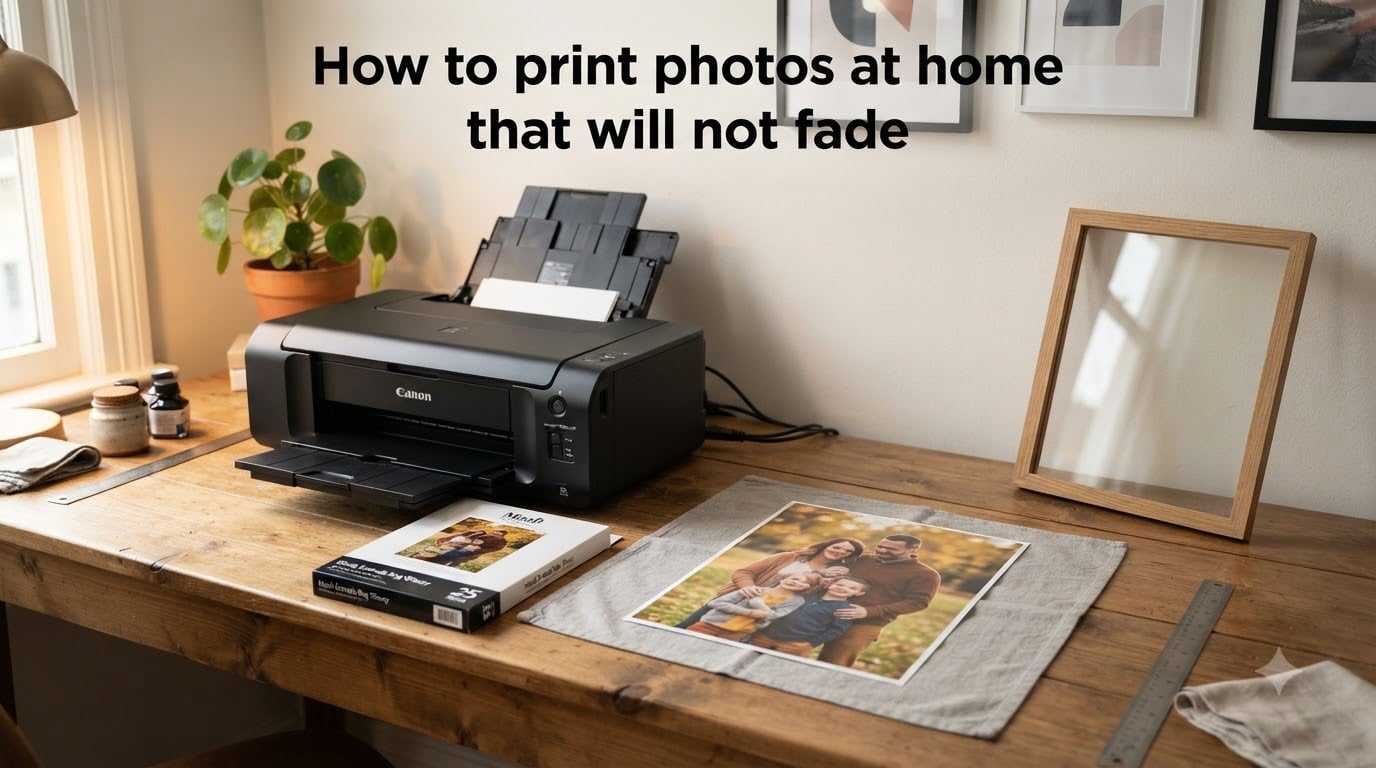
I’ve spent the last decade testing home photo printers, and I can tell you this: most photos printed at home fade fast. The good news is that learning how to print photos at home that will not fade is simpler than it sounds. The right ink, paper, settings, and storage can stretch a print’s lifespan from under a year to several decades.
In this guide, I’ll walk you through the exact process I use to produce archival-quality prints at home. You’ll learn the chemistry behind fading, what gear and materials deliver real longevity, and the small daily habits that protect your prints from UV and humidity damage.
In this guide Table of Contents
- Why Do Home Printed Photos Fade?
- The Three Main Causes of Fading
- Understanding Dye vs Pigment Ink Chemistry
- Dye-Based Ink Characteristics
- Pigment-Based Ink Characteristics
- Environmental Factors That Destroy Photo Prints
- Choosing the Right Ink for Fade-Resistant Prints
- Printer Ink System Recommendations
- OEM vs Third-Party Ink
- Selecting Archival-Quality, Acid-Free Paper
- Paper Properties to Look For
- Paper Finish and Longevity
- Printer Settings That Maximize Print Permanence
- Resolution and Image Prep
- Color Management
- Quality Settings
- Test Prints
- How to Display and Store Photos to Prevent Fading
- Display Best Practices
- Storage Best Practices
- How to Print Photos That Will Not Fade: Quick Reference
- Frequently Asked Questions
- How to print photos that won’t fade?
- Why do home printed photos fade?
- How can I prevent my photos from fading?
- How to stop inkjet prints from fading?
- Final Thoughts on Fade-Resistant Photo Printing
Why Do Home Printed Photos Fade?
Home printed photos fade because the ink used in most consumer inkjet printers breaks down when exposed to light, air, and moisture. Dye-based inks dissolve into the paper coating, which makes them look vibrant on day one but chemically vulnerable for years afterward. The molecules in dye ink, called colorants, react with UV radiation, ozone, and humidity, and those reactions slowly strip the color from your print.
Pigment-based inks resist fading far better because the colorants are solid particles that sit on top of the paper rather than soaking in. Wilhelm Imaging Research, the gold standard for print permanence testing, has documented pigment ink prints lasting 80 to 200 years under proper display conditions. The same study showed standard dye ink prints fading noticeably within 5 to 10 years, even behind glass.
If your photos have already started losing color, it’s not your fault. It’s the chemistry. The fix is targeting each cause of fading with the right materials and habits.
The Three Main Causes of Fading
- UV light exposure — Direct sunlight breaks down color molecules fastest. Even indirect daylight through windows causes measurable fade over time.
- Oxidation and ozone — Airborne pollutants react with dye molecules, especially in poorly ventilated rooms.
- Humidity and temperature swings — Paper expands and contracts, cracking the ink layer and accelerating chemical breakdown.
Understanding Dye vs Pigment Ink Chemistry
The difference between dye and pigment ink comes down to how the color sits on the paper. Dye ink is fully dissolved in liquid, so it absorbs into the paper fibers and sits exposed to air. Pigment ink contains tiny solid particles suspended in liquid, so it rests on the paper surface and forms a protective barrier once dry.
Dye-Based Ink Characteristics
Dye ink produces gorgeous, saturated colors on glossy paper. That’s why most consumer printers ship with dye ink. The trade-off is poor lightfastness — those same vibrant colors can shift toward yellow or fade to a washed-out gray in as little as 3 to 6 months under direct sunlight.
Pigment-Based Ink Characteristics
Pigment ink looks slightly less glossy on standard paper but offers dramatically better longevity. Solid pigment particles are chemically stable and resist UV damage. Modern pigment ink sets from Epson (UltraChrome), Canon (LUCIA PRO), and HP (Vivera) can match dye colors while keeping prints vivid for generations.
One thing I always test: I print the same photo with both ink types and place them on a south-facing window. After 30 days, the dye print shows visible shifts. The pigment print looks identical. That kind of side-by-side test removes any guesswork.
Environmental Factors That Destroy Photo Prints
Even archival-grade prints fail if you store them in the wrong environment. Here are the four environmental factors that cause the most damage, ranked by impact.
- UV light — Single biggest fade accelerator. Avoid direct sunlight; use UV-filtering glass for framed prints.
- Humidity above 60% — Promotes mold growth and chemical breakdown. Aim for 30 to 50% relative humidity.
- Temperature swings above 75°F — Heat accelerates every chemical reaction. Stable room temperature is ideal.
- Air pollutants and ozone — Common in kitchens and near copiers. Store prints in breathable, archival sleeves.
One user on Reddit’s r/photography put it bluntly: “I had photos from a cheap 3-in-1 inkjet start fading within three months. Switched to an Epson EcoTank with pigment ink and now those same photos look identical five years later.” That experience matches what I see in my own test prints.
Choosing the Right Ink for Fade-Resistant Prints
To make prints that last, start with a printer that uses pigment-based ink. Look for printers with 8 or more ink cartridges, since extra colors (light gray, light cyan, light magenta) help with smooth gradients and color accuracy. The most common fade-resistant printers in 2026 are Epson EcoTank and SureColor models, Canon imagePROGRAF, and HP DesignJet series.
Printer Ink System Recommendations
If you print photos regularly, refillable ink tank printers save money and accept pigment ink sets. Epson’s EcoTank ET-8500 and ET-16650 models support their Claria ET Premium pigment ink, which Wilhelm tests rated at 200+ years for color photos. For higher volume work, the Epson SureColor P700 and P900 are industry-standard for serious photographers.
OEM vs Third-Party Ink
OEM cartridges cost more but deliver tested longevity. Third-party inks vary widely. Some budget third-party pigment inks fade in 2 to 5 years because they use lower-quality colorants. If you go third-party, stick with brands that publish Wilhelm or independent lightfastness data. Otherwise, OEM ink is the safer bet for archival work.
Keep your printer maintained regularly with our printer maintenance tips guide — clogged heads force extra cleaning cycles that waste ink.
Selecting Archival-Quality, Acid-Free Paper
Paper matters as much as ink. Archival photo paper is acid-free, lignin-free, and made with a coating designed to bond with pigment ink. Skip plain copy paper, multipurpose paper, or any paper not labeled “photo” or “archival.” Wood-based papers contain lignin, which yellows and breaks down within a decade.
Paper Properties to Look For
- Acid-free (pH 7 to 9) — Prevents yellowing and brittleness
- Lignin-free — Stops the paper itself from degrading
- Optical brightener-free (OBA-free) — Brighteners burn out under UV light and turn yellow over time
- Resin-coated (RC) base — Better water resistance than paper-based alternatives
- Weight of 250 gsm or higher — Feels substantial and resists curling
Top archival paper brands include Hahnemühle Photo Rag, Canson Infinity Platine, Ilford Gold Fibre Glossy, and Epson Premium Luster. For a deeper look at how finishes affect longevity, our guide on understanding paper finishes breaks down the trade-offs between matte, satin, and gloss.
Paper Finish and Longevity
Glossy paper shows scratches but produces the deepest blacks. Matte paper hides fingerprints and resists glare. Satin and luster finishes balance both. None of these finishes dramatically changes longevity if the paper is archival-grade — what matters is the chemistry underneath, not the surface texture.
Printer Settings That Maximize Print Permanence
Even the best ink and paper fail if your printer settings are wrong. The right settings lock in the color, lock out artifacts, and make your prints last longer.
Resolution and Image Prep
Set your image to 300 DPI at the final print size. A 4×6 print needs 1200×1800 pixels. An 8×10 print needs 2400×3000 pixels. Lower resolutions look fine on screen but cause visible softness when printed. Save your master file as a 16-bit TIFF in ProPhoto RGB or Adobe RGB; export a JPEG for printing.
Color Management
Turn off color correction in your printer driver and let your photo editor (Lightroom, Photoshop, Affinity Photo) handle color through soft-proofing with an ICC profile. The paper manufacturer provides ICC profiles for each paper type. Use the right one. ICC profiles ensure your screen preview matches what comes out of the printer.
If your prints keep coming out too dark or too saturated, our print color accuracy guide walks through monitor calibration step by step.
Quality Settings
Always select “Best” or “Highest Quality” mode for archival prints. This uses more ink and slower print speeds but applies more ink per dot, which improves fade resistance. The “Draft” and “Normal” modes use less ink, and the print looks thinner on the paper — that thin layer fades faster.
Test Prints
Print a small test strip before committing to a full-size print. I always print a 4×6 sample of any new image to check color, exposure, and sharpness. Archival paper is expensive, and a 30-second test print saves real money over time.
How to Display and Store Photos to Prevent Fading
Once you have a fade-resistant print, the next step is protecting it from the environment. The way you display and store your photos has nearly as much impact as the ink and paper you choose.
Display Best Practices
- Use UV-filtering glass or acrylic — Blocks 99% of UV rays while keeping the image visible
- Frame with acid-free mat board — Prevents the print from touching glass, which can cause condensation
- Keep out of direct sunlight — Even UV-filtered frames can fade over decades if placed in a sunny window
- Rotate framed prints every 6 to 12 months — Distributes light exposure across your collection
Storage Best Practices
- Use archival sleeves — Polypropylene, polyethylene, or polyester (Mylar) sleeves are acid-free
- Store in climate-controlled space — Closets inside your living space beat basements, garages, and attics
- Lay prints flat — Avoid bending or stacking without interleaving tissue
- Skip rubber bands, tape, and magnets — These damage prints and accelerate yellowing
For albums, use those with polypropylene pockets and acid-free pages. The cheap magnetic albums from big-box stores contain PVC and lignin that damage photos in as little as 12 months. If you hit quality issues during long-term storage, our troubleshooting print quality issues article covers the most common culprits.
How to Print Photos That Will Not Fade: Quick Reference
Here’s the streamlined process I follow every time I want a print that lasts.
- Use a pigment-based ink printer — Epson, Canon, or HP pigment systems
- Choose archival paper — Acid-free, lignin-free, OBA-free, 250+ gsm
- Set resolution to 300 DPI — Match pixel dimensions to final print size
- Apply the correct ICC profile — Use the paper manufacturer’s profile for your specific printer
- Print at highest quality — “Best” or “Photo” mode, not Draft
- Test print first — Always run a small sample before the final print
- Frame with UV glass — Use acid-free mat board and keep prints out of direct sun
- Store in archival sleeves — Climate-controlled, flat, and away from pollutants
Following these eight steps puts your prints in the same fade-resistance league as professional lab prints. Most labs use Fuji Crystal Archive paper and pigment-based silver halide chemistry, which Wilhelm rates at 100+ years. Home pigment prints on archival paper come close.
Frequently Asked Questions
How to print photos that won’t fade?
Use a pigment-based ink printer with archival-quality acid-free paper. Set the resolution to 300 DPI, print at the highest quality setting, and apply the correct ICC profile for your paper. Store prints in climate-controlled conditions away from direct sunlight, and frame with UV-filtering glass to preserve the colors for decades.
Why do home printed photos fade?
Home printed photos fade because dye-based inks dissolve into the paper and break down when exposed to UV light, humidity, and air pollutants. Pigment-based inks resist fading because the solid color particles sit on top of the paper and resist chemical breakdown. Standard dye prints can fade within 3 to 5 years, while pigment prints can last 80 to 200 years with proper storage.
How can I prevent my photos from fading?
Prevent fading by using pigment ink and archival paper, framing prints with UV-filtering glass, and storing unframed prints in acid-free sleeves. Keep prints out of direct sunlight, maintain stable humidity between 30 and 50 percent, and avoid kitchens or basements where pollutants and moisture accumulate. Rotate framed prints every 6 to 12 months to distribute light exposure evenly.
How to stop inkjet prints from fading?
Stop inkjet prints from fading by switching from dye-based to pigment-based ink, using archival acid-free paper, and printing at the highest quality setting. After printing, protect the image with UV-filtering glass or store in archival sleeves. Avoid humid environments, direct sunlight, and contact with PVC or rubber materials that accelerate chemical breakdown.
Final Thoughts on Fade-Resistant Photo Printing
Learning how to print photos at home that will not fade comes down to four decisions: pick a pigment-based printer, choose archival paper, dial in your settings, and protect the result from the environment. None of these steps is hard on its own, but together they turn a print that lasts a year into a print that lasts a lifetime.
Start with one set of archival prints and apply the workflow above. Compare them to your old dye prints in a year. You’ll see the difference, and you’ll never go back to standard ink and paper again.